
Master Sports Motion Design - Course Preview
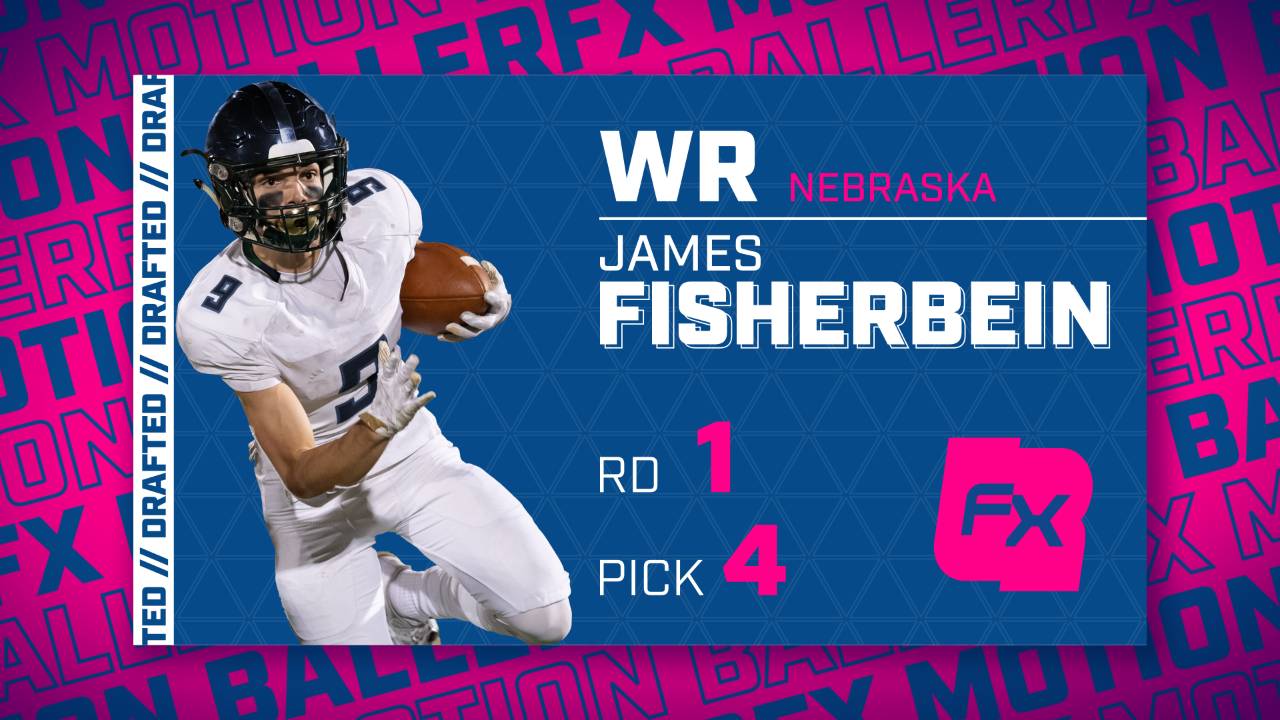
Master Sports Motion Design - Draft Toolkit
-
Welcome To The Draft Toolkit Course!
1 lesson- Let's Outline Our Game Plan
-
Project Files
1 lesson- Download Project Files (ZIP is to the right)
-
Plugins Used
2 lessons- Ease Copy
- Dataclay Templater
-
Blocking And Tackling - Intro
4 lessons- Blocking and Tackling Intro
- Base Of Shapes
- Shaping Up
- Expression Intro - How To Read Expressions (And set your Project settings correctly)
-
Blocking and Tackling
7 lessons- linear() expression
- Create Text Animators With Automation
- Anchor Point Expression
- Stick Your Anchor Point
- Repurpose Text Animators
- Naming, Spacing, and Anchoring
- Rounding Out The Layout
-
Get In The Flow
12 lessons- Get In The Flow Intro
- Animate Main Card With Limited Keyframes
- Create Offsetting Text Wall For Background
- One Logo To Rule Them All
- Strategically Incorporate Imagery
- Text Flow State
- Staggering Text Flow
- Sell Your Shot
- Sell Your Flow
- Add Depth And Details
- Make It Loop
- One More Thing
-
MAXimize Your Project
9 lessons- Toolkitting Intro
- maxWidth expression
- Intro To Max Width
- Global Max Width, Local Adjustment
- Maintain Spacing And Relationships While Using Max Width
- Auto Scale Imagery expression
- Ternary if/else
- Ternary if/else
- Toolkitting Touches
-
Choose Your Path
1 lesson- Intro-ChooseYourPath
-
Tee It Up in the EGP - Create a MOGRT
5 lessons- Link And Load Editable Elements
- Template Literals expression
- Limit EGP Inputs - Use Template Literals
- Load And QC
- Fix And Reload
-
Prepare to Batch Render - Dataclay Templater
8 lessons- Dataclay Templater - Discount Code + Overview
- Prepare Your Rig
- Template Literals expression
- Streamline Inputs By Using Template Literals
- Google Sheet Setup
- Image And Logo Swap Setup
- Color Swap Setup
- Batch Render (Need Pro/Bot License, OR Credits with your RIG license)
-
Thank You!
2 lessons- Thank You - Show Off Your New Skills
- Share Your Experience!